
The homepage featured departments and their images are assigned based on the menu options you select during the setup process that creates your GiftSite website. This ensures your website looks great “out of the box”.

At the time of writing it is not possible for retailers to change or update this area in the GiftSite dashboard. However should you want to change the featured departments and their images you can submit a request to support@giftsite.co.uk. We will need to know which departments you would like to use from the lists below and the images you would like to have assigned to those departments. Please specify the image caption in your submission.
For instance, if you wanted to make the Wrapping Paper department under Gifts a featured department on your home page, you would submit the following information to support@giftsite.co.uk:
Department: Gifts > Gift Wrap > Wrapping Paper
Image: Gift Wrap 4



Autumn #


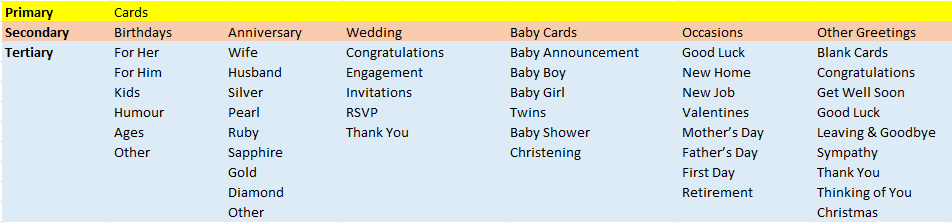
Cards #


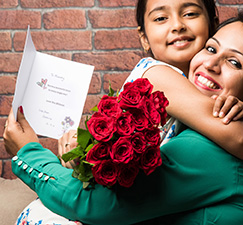


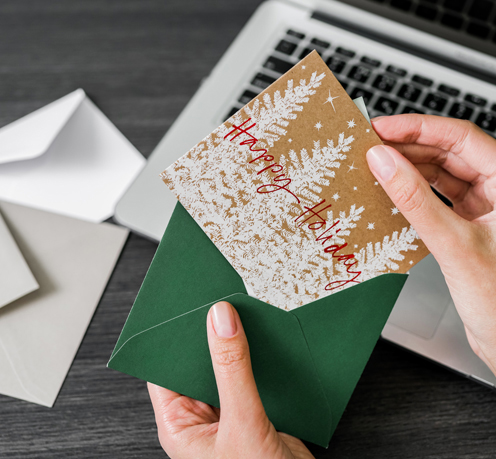
Christmas #




Confectionary #


Easter #


Fashion #


Garden #


Gifts #


Gift Wrap #


Halloween #


Home Fragrance #


Homeware #


January Sale #


Jewellery #
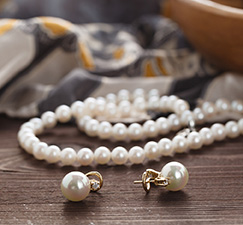


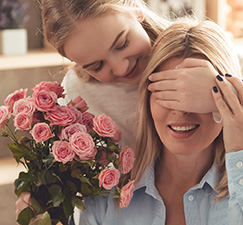
Mother’s Day #




Party #


Personalised #


Spring #


Stationary #


Summer #


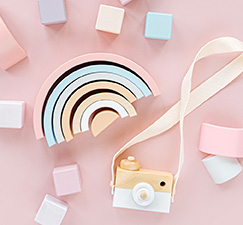
Toys #


Valentines #


Winter #


