
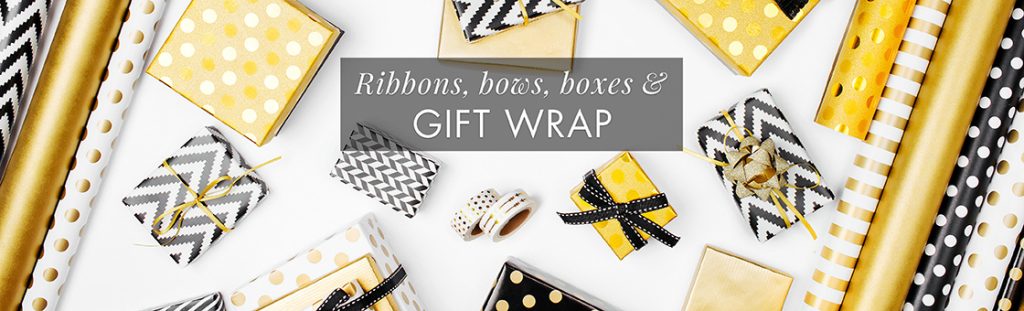
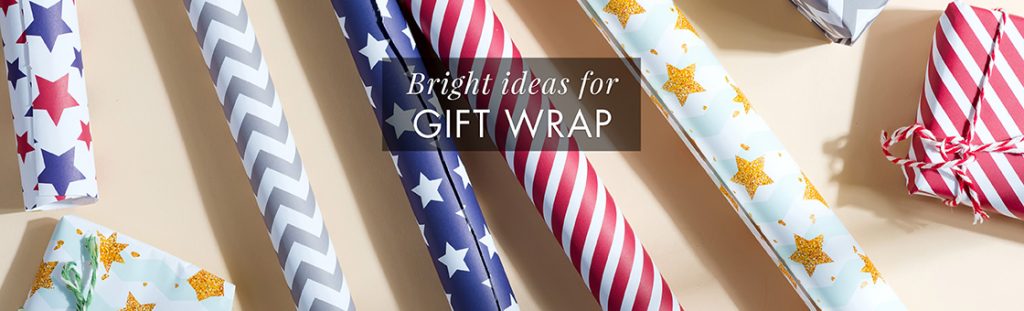
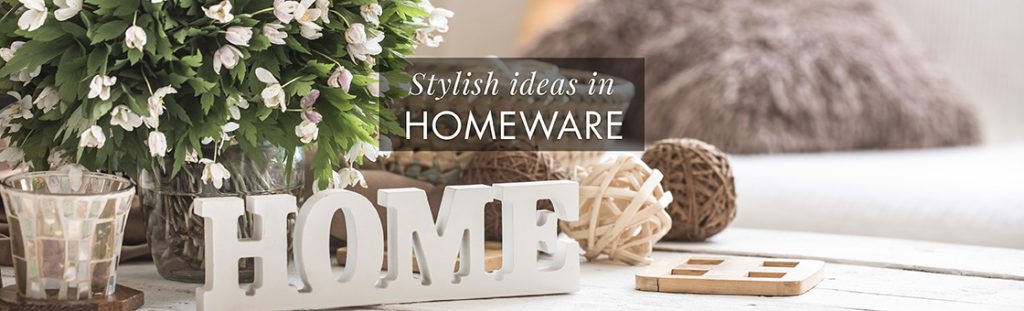
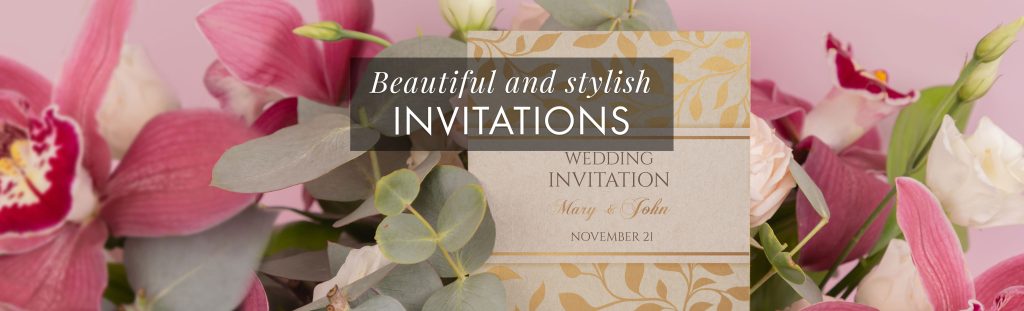
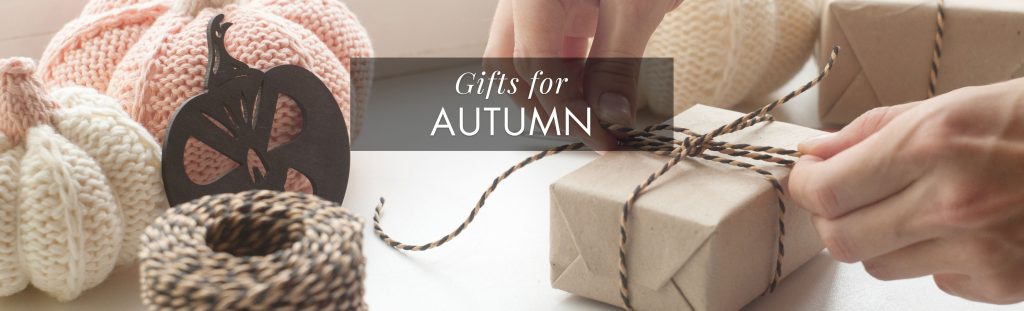
From your Giftsite Dashboard navigate to ‘Manage Banners’, then select ‘Add New Banner’. On this screen you can choose from a library of banners, give the banner a name and choose the product category you want it to link to. To remove a banner, navigate to the ‘Manage Banners’ page, select the tick box for the banner you want to remove and select ‘Move to Bin’.
Our helpful video guide can be viewed below.
Homepage Gallery #






































How do I add my own banner? #
We appreciate that every GiftSite retailer represents a unique business and you may require homepage banners that are not currently available in our library. With this in mind please use the instructions below to submit an application to have a custom homepage banner created. We will need the following
- The image you want to use. The dimensions should be at least 1120 x 320 pixels. You should have permission to use the image.
- The marketing message you want overlaid on your image.
To apply to have your own homepage banner added to our banner library log into the support portal here and attached the above information to a ticket. Alternatively, you can put the required information in an email to support@giftsite.co.uk using the subject “Homepage Banner Request”.


